This video shows how to get a substring using a DIESEL expression: https://youtu.be/vvMnV7T9_Vc
This video shows how to get a substring using a DIESEL expression: https://youtu.be/vvMnV7T9_Vc
One can use Diesel expressions to convert data in AutoCAD. In this case, I want to convert the layout tab name to a fuller name. So if I have CIV I want the field to show "Civil" and if the layout tab name is "INF" it should be "Infrastructure".
$(if,$(eq,$(getvar, "ctab"),"CIV"),"Civil",$(if,$(eq,$(getvar, "ctab"),"INF"),"Infrastructure","Error"))
The help topic for Diesel expressions may be found here:
Note that the link will probably die in 3 to 4 years.
Here is a video showing it in action: https://youtu.be/zUpX04RfnNA
This blog post shows how to find the locations of the spaces in the direction found in the bearings or directions in the LandXML reports.
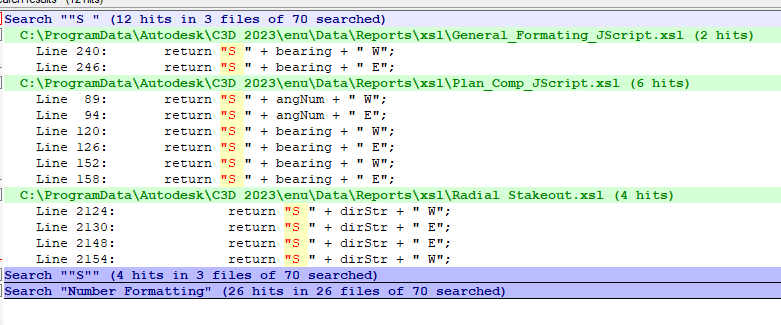
If you open the xsl files in the report files (C:\ProgramData\Autodesk\C3D 2023\enu\Data\Reports\xsl\) you should be able to find the locations where the directions are being formatted. In the image below I've searched for ""S " in Notepad++ and found some of the locations. Go in and change "S " to "S" and that should give you the results you are looking for. Also do this for the locations where "W ", "E ", and "N ".
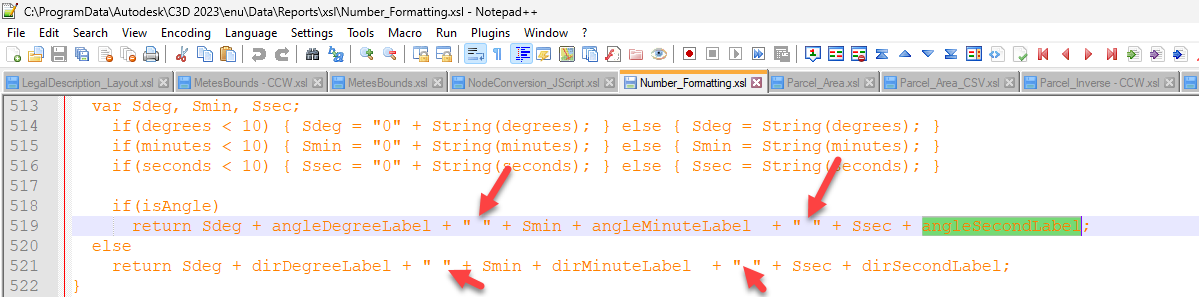
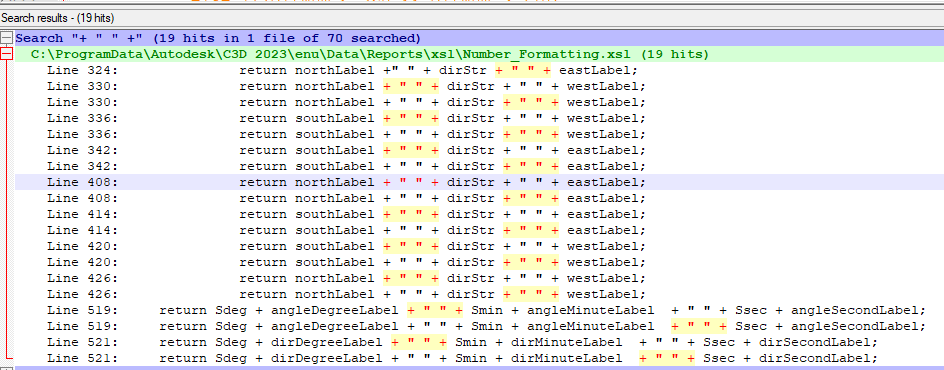
The dashes in the image below is where the spaces placeholders are being added:
You would then need to find where the "-" is being turned into spaces by looking where the formatAngleToDMS is called from.
These are some random notes. Ignore.
This installs wsl from Terminal in Visual Studio Code:


Some code to help in doing my demos. It goes into the Tool Palette as commands and then I can press the command in the Tool Palette to run the command.
This does a Save As file:
^C^C(vla-saveas (vla-get-ActiveDocument (vlax-get-Acad-Object)) "C:/Civil 3D Projects/DFWBIUG_Test_A/Sewer/Phase 2/A_Phase1_Sewer_B_Street_Start.dwg");
Note:
This opens a file:
^C^C(LM:open "C:/Civil 3D Projects/DFWBIUG_Test_C/SampleCreateDS.dwg");
The tool palettes also work as an agenda so I can remind myself what I'm doing next.
The LM:open is modified from Lee Mac: http://lee-mac.com/open.html with totally different code.